 Contue
Work on things, not chats.
AI lets you run ten things at once. Contue keeps track of all ten.
Issue tracking and task management built for Claude Code, Codex, Cursor and Antigravity.
Works with Claude, Codex, Antigravity, Cursor, and others.
Connected via MCP, Skills, and Hooks.
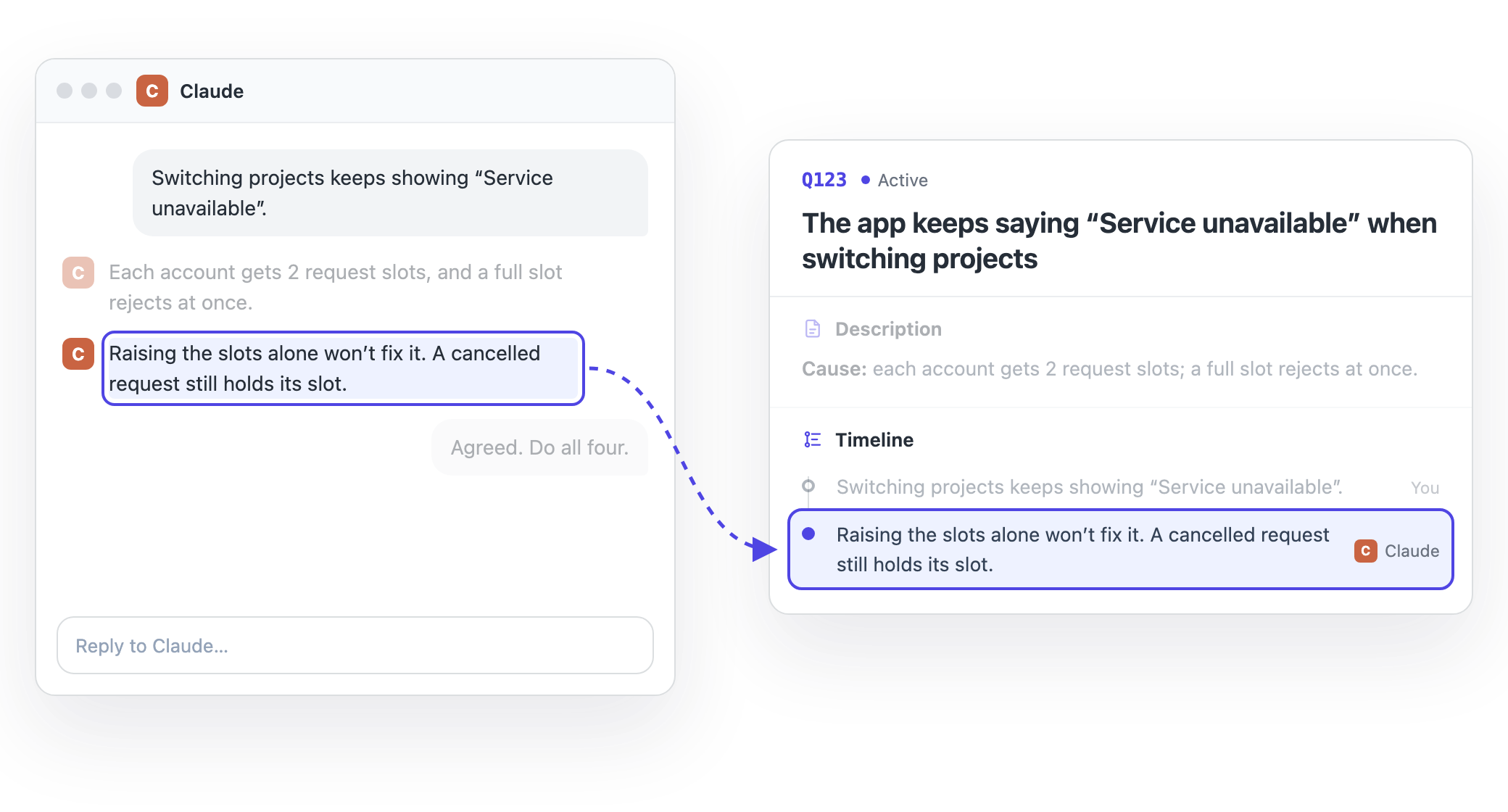
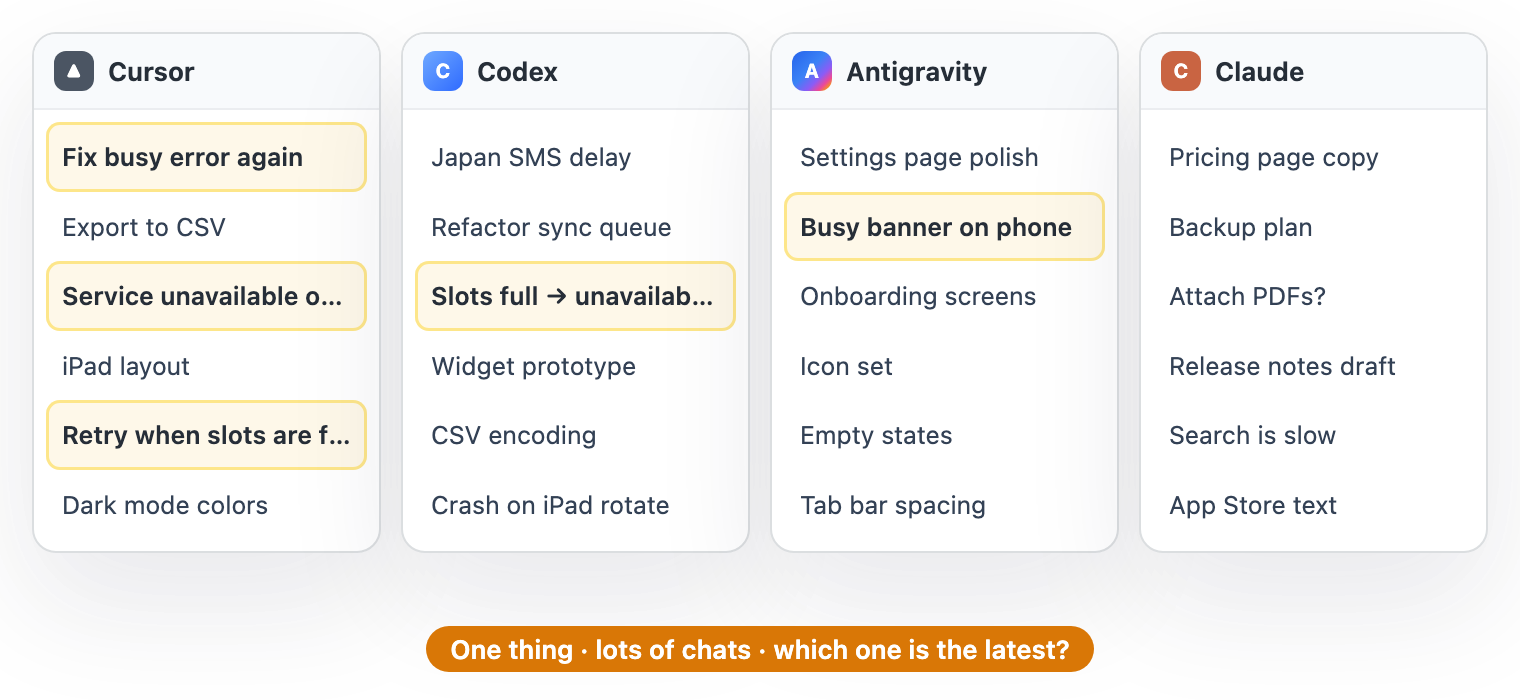
AI moves ten things at once. You can’t keep all ten in your head.
- Lots of chats open, and you’ve lost track of which thing got how far.
- New chat, different agent: explain everything from the start again.
- Five weeks ago you decided something. Why? You can’t remember.
What Contue does
One issue per thing, shared across your coding agents. Pick a workflow to see how it works.
Task management for AI agents
Your agents update the issues while they work. You check the results and press Pass. No due dates, on purpose.
How it works →Screenshot annotation
Circle UI bugs, add a note, hand it to your agent, and compare before & after side by side on the same issue.
See the workflow →Shared issues across agents
Switch between Claude Code, Codex and Cursor mid-task without re-explaining context. Every step is signed.
See how handoff works →Connect via MCP, Skill & Hook
One-click local setup on Mac, or connect cloud agents and web chats over remote MCP.
Setup guide →Two ways to use it
Works fully on this Mac without signing in. Sign in and turn on sync to connect your Mac, iPhone, web AI, and cloud agents onto the same issues.
Plugin parts: MCP reads, writes, and searches issues; Skill guides when and how agents log; Hook triggers recall and recording automatically. The iPhone app is not currently available on the Mainland China App Store.
Signing in alone uploads nothing; issues upload only after you turn on Contue Cloud. Once it’s on, your active issues sync; you can leave out images, archived issues and the trash. Contue does not use your issues to train AI models. If you ask for an AI summary, that text is sent to the model provider. Privacy policy
Work on things, not chats.
The issue tracker built for working with multiple agents.
Get Contue for Mac